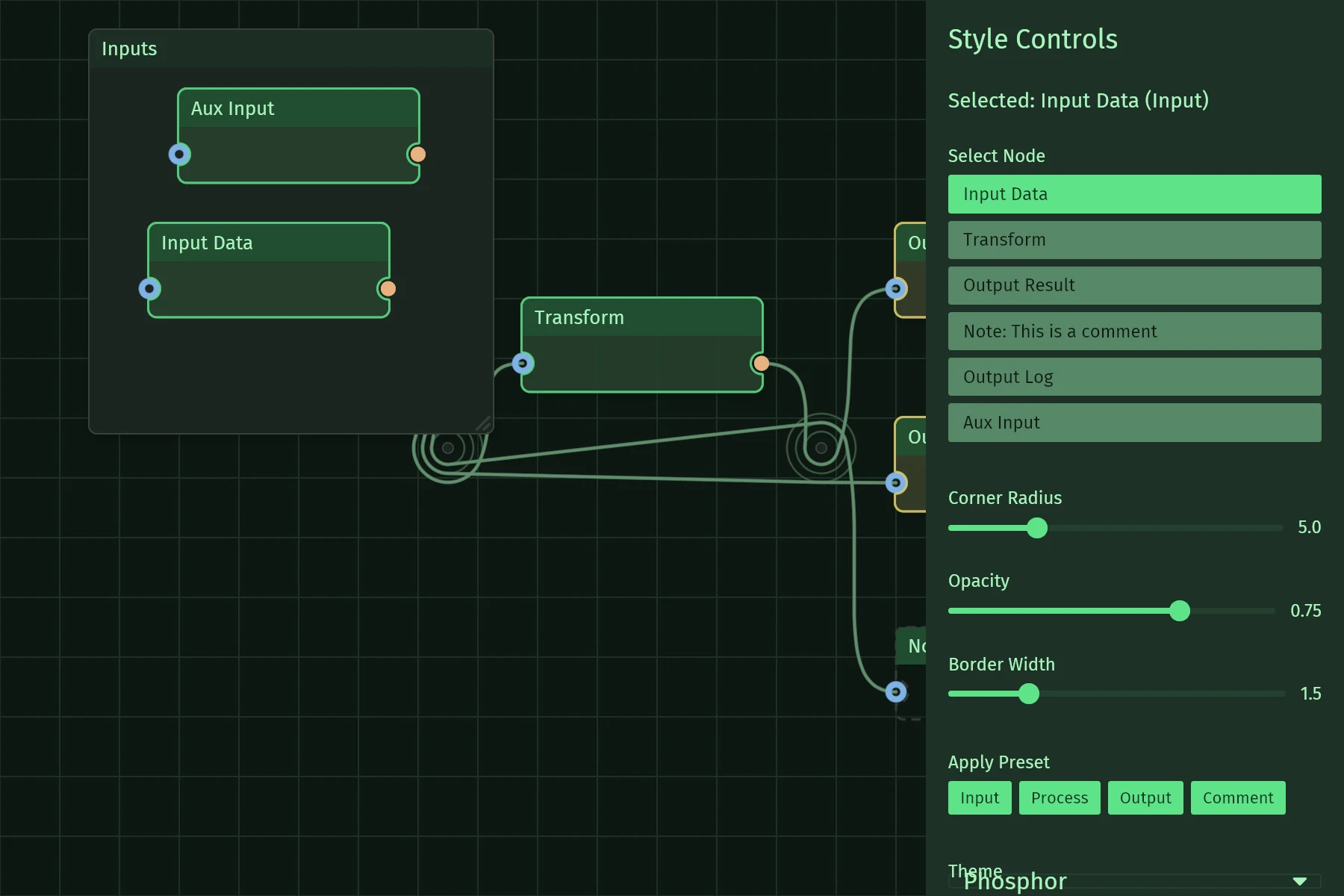
Styling
Node, edge and pin styles are flat concrete structs. Override individual fields with struct-update over a theme-derived default, inside a .style() closure that also receives the element's status:
use iced::{widget::text, Color, Point};
use iced_nodegraph::{ColorQuad, Indexed, Node, NodeStyle, default_node_style, node};

let n: Node<'_, Indexed, Message, iced::Theme, iced::Renderer> = node(0, pos, body).style(|theme, status| NodeStyle {
    fill_color: ColorQuad::solid(Color::from_rgb(0.2, 0.3, 0.5)),
    ..default_node_style(theme, status)
});
The presets have the same shape as the defaults, so they drop straight into .style(..): NodeStyle::input, NodeStyle::process, NodeStyle::output, NodeStyle::comment; EdgeStyle::error, EdgeStyle::disabled, EdgeStyle::highlighted, EdgeStyle::data_flow, EdgeStyle::debug. All derive from the theme's palette, like iced's own button::success.
Pattern (re-exported from iced_nodegraph_sdf) controls every stroke: Pattern::solid(width), Pattern::dashed(width, dash, gap), Pattern::dotted(spacing, radius), plus .flow(speed) to animate it along the stroke. An animated pattern self-drives redraws - no host frame loop needed.
The style closure intentionally does not receive the node id: your view loop already has it, along with any per-node status. Derive the status there and capture it:
use iced::{widget::text, Point};
use iced_nodegraph::{NodeStyle, Pattern, default_node_style, node, node_graph};

let ng = node_graph::<Message, iced::Theme, iced::Renderer>().nodes(nodes.iter().map(|n| {
    let working = is_working(n.id);
    node(n.id, n.pos, text("body")).style(move |theme, status| {
        let base = default_node_style(theme, status);
        if working {
            NodeStyle { border_pattern: Pattern::dashed(2.0, 6.0, 4.0).flow(40.0), ..base }
        } else {
            base
        }
    })
}));
The chrome the widget draws itself follows the same closure-plus-default shape, one type per thing: GraphStyle (canvas background and tiling) via graph_style, SelectionBoxStyle via selection_box_style, CuttingToolStyle via cutting_tool_style, ParticleStyle via Particle::style, and MinimapStyle via minimap_style for the overview minimap puts in a corner. A selected node's look is not chrome - it comes from the node's own closure through NodeStatus.